Docs-as-Code: The Complete Guide to Treating Documentation Like Software
Docs-as-code is a methodology that treats documentation using the same tools, workflows. Instead of writing in a CMS, authors write in plain-text formats like Markdown, store files in a Git repository and publish via automated CI/CD pipelines.

Team Docuwiz
Documentation Experts

Sign Up for Docuwiz
Experience the magic of collaborative documentation with Docs-As-Code Workflow
API documentation usually fails in small, ordinary ways. An endpoint changes, a code sample stays untouched, and the next developer who copies it gets an error instead of an answer. Support explains the same mismatch again; the team quietly learns not to trust its own docs.
That gap is documentation drift. It rarely comes from carelessness. It happens because docs live in a separate system, move on a separate schedule, and depend on someone remembering to update them after release.
Docs-as-code closes that gap by integrating documentation into the software delivery workflow: versioned in Git, reviewed via pull requests, checked by automation, and deployed via CI/CD. This guide covers what docs-as-code means, how to implement it from scratch, where it breaks down, and when a hybrid or managed approach makes more sense.
---
What is docs-as-code?
Docs-as-code is a methodology that treats documentation using the same tools, workflows, and rigor as software development. Instead of writing in a CMS, wiki, or word processor, authors write in plain-text formats like Markdown, store files in a Git repository, review changes via pull requests, and publish via automated CI/CD pipelines.
The term was popularized by the Write the Docs community and has been adopted by organizations ranging from the UK Government Digital Service to Pinterest. At its core, it rests on five principles:
Plain text authoring. Documentation lives in Markdown, reStructuredText, or AsciiDoc files, not proprietary formats.
Version control. Every change is tracked in Git, with full history, blame, and rollback.
Collaborative review. Changes go through pull requests (or merge requests), the same process developers use for code.
Automated quality checks. CI pipelines run linting, link checking, and build verification on every change.
Automated deployment. Merging a PR triggers a build and deploy, keeping published docs in sync with the latest approved content.
The philosophy is simple: if your code goes through review, testing, and automation, your documentation should too.
Why does docs-as-code work?
The benefits go beyond "using the same tools as developers." Here's what changes when docs live inside the development workflow:
Documentation stays current. When a developer opens a PR that changes an API endpoint, the related documentation can be updated in the same branch. Reviewers see code and docs together, and automated checks can verify that the docs still build, links still work, and API references still match the spec. This reduces the most common cause of documentation drift: "we'll update the docs later" becoming "we never did."
Quality improves through review. Pull request reviews catch technical errors, unclear explanations, and missing context before content reaches users. The UK Home Office found that blocking feature merges when documentation is missing incentivizes developers to write about features while the context is fresh.
Traceability is built in. Every documentation change has a commit message, an author, a reviewer, and a timestamp. When something is wrong, you can trace exactly when and why it changed.
Writers integrate with engineering. Technical writers stop being downstream consumers of finished features and start working alongside developers. They document features as they're being built, which catches usability issues early.
Automation catches what humans miss. Broken links, inconsistent terminology, formatting violations, and build errors get flagged by CI before content goes live. Kong, the API gateway company, rebuilt its CLI guides to be testable and saw its AI chatbot accuracy jump from 84% to 91% by ensuring the docs actually matched the product.
What are the real challenges of adopting docs-as-code?
The methodology has real friction points that most guides gloss over. Here's what actually trips teams up:
The learning curve is steep for non-developers. Git branching, pull requests, merge conflicts, and command-line tools are second nature to engineers but intimidating for technical writers who grew up on MadCap Flare or Confluence. Seasoned writers may resist what feels like a downgrade from purpose-built documentation tools to "just text files."
Tooling requires maintenance. A static site generator, CI/CD pipeline, linting configuration, and hosting setup don't maintain themselves. Tom Johnson's case study at a large enterprise describes spending significant time building training materials, setting up repos, and debugging CI issues, all before writing a single page of content.
Markdown has limits. Complex documentation needs like content reuse, conditional text, multi-channel publishing (HTML, PDF, mobile), and fine-grained access control are harder to implement in plain Markdown than in a structured authoring system like DITA. As Andrew Owen from Paligo notes, docs-as-code works well for one product with one or two languages, but struggles when content volume, writer count, or localization requirements increase.
Merge conflicts happen. When multiple writers edit the same files, Git merge conflicts create real workflow friction. Unlike code, where conflicts often have clear technical resolutions, documentation conflicts require human judgment about which wording is better.
Ownership gets fuzzy. Without explicit assignment, documentation updates become everyone's responsibility and therefore no one's. The State of Docs 2026 report found that 30% of respondents cited keeping docs in sync as their single biggest workflow challenge.
When should you choose docs-as-code over a traditional CMS?
Not every team benefits from docs-as-code. Use this framework to decide:
Factor | Choose docs-as-code | Choose a traditional CMS or wiki |
|---|---|---|
Who writes the docs? | Developers and technical writers who use Git daily | Mixed team with non-technical contributors (product, support, sales) |
What are you documenting? | APIs, SDKs, CLI tools, developer guides | User guides, internal SOPs, marketing content |
How often do docs change? | Continuously, alongside code releases | Periodically, on a marketing or support schedule |
Review process | PR-based, multi-reviewer, automated checks are needed | Lightweight editorial review, fast publish |
Integration needs | Docs must live in the dev workflow, same repo as code | Docs connect to help desk, CRM, or knowledge base |
Technical capacity | The team can maintain a build pipeline | No engineering bandwidth for tooling |
The hybrid approach works too. Many teams use docs-as-code for developer-facing documentation (API references, SDK guides) and a traditional CMS for user-facing content (help center, tutorials). ElevenLabs does exactly this: their developer experience team maintains technical docs via Git and CLI, while their support team uses a browser-based editor, both feeding into the same documentation site.
---
How do you implement docs-as-code from scratch?
Here's a step-by-step path that works for a team starting from zero:
Step 1: Pick your repository model
You have two options:
Same repo as code. Docs live in a `docs/` folder alongside the source code. Best for single-product teams where docs and code change together.
Dedicated docs repo. Docs live in their own repository. Better for multi-product organizations or when writers need independence from the codebase.
Start with the same repo if you're unsure. It reinforces the "docs ship with code" culture from day one.
Step 2: Choose your authoring format
Format | Best for | Ecosystem |
|---|---|---|
Markdown | Most teams, the widest tool support | Every static site generator, every editor |
MDX | Docs that need embedded React components | Docusaurus, Next.js, Astro |
reStructuredText | Python-heavy teams, Sphinx users | Sphinx, Read the Docs |
AsciiDoc | Complex documents needing admonitions, including tables | Asciidoctor, Antora |
Markdown is the safe default. It has the broadest tool support and the lowest learning curve.
Step 3: Select a static site generator
Generator | Language | Best for | Versioning support |
|---|---|---|---|
Docusaurus | JavaScript/React | Developer docs, MDX support | Built-in |
Hugo | Go | Speed, large sites | Manual via config |
MkDocs (Material) | Python | Clean defaults, easy setup | Via mike plugin |
Sphinx | Python | API docs, autodoc | Built-in |
Eleventy | JavaScript | Flexibility, gov.uk compliance | Manual |
Docusaurus is the most common choice for developer-facing documentation in 2025-2026. MkDocs Material is the fastest to set up.
Step 4: Set up CI/CD
A basic GitHub Actions pipeline needs four stages:
1. Lint. Run markdownlint to enforce consistent formatting.
2. Check links. Run a link checker (lychee, htmltest) to catch broken URLs.
3. Build. Run your static site generator to verify the site compiles.
4. Deploy. Push built HTML to GitHub Pages, Netlify, Vercel, or Cloudflare Pages.
Step 5: Define your review process
Create a pull request template for documentation changes: Use following template to document your findings:
Step 6: Block merges without docs
Add a CI check that fails if documentation wasn't updated alongside code changes that affect user-facing behavior. This is the single most effective enforcement mechanism. Pinterest saw adoption jump when it made documentation part of the development workflow rather than a separate task.
How do developers and writers collaborate on pull requests?
The biggest workflow question isn't tooling; it's who does what. Here's how high-functioning teams split the work:
Developers own:
Writing the first draft of technical content (API parameters, code samples, configuration options)
Reviewing documentation PRs for technical accuracy
Keeping docs in sync when they change code
Technical writers own:
Editing for clarity, structure, and completeness
Ensuring consistency with the style guide
Adding context that developers skip (why this matters, common mistakes, related workflows)
Managing information architecture and navigation
The PR is the collaboration point. The developer pushes a code change with a documentation update. The writer reviews the docs portion, suggests edits inline, and requests changes through the standard GitHub review workflow. Both approve before merging.
Pinterest's PDocs system codifies this: documentation lives in the same repository as code, developers create docs alongside features, and the review process happens through GitHub's native PR interface. The result: 140+ documentation projects from 60+ repositories, authored by 80+ teams.
---
What are the common pitfalls, and how do you avoid them?
Pitfall 1: Treating docs-as-code as a tooling project.
The tools are the easy part. The hard part is changing team culture so that documentation is part of the definition of "done." If developers can merge code without docs, they will.
Fix: Block merges when documentation is missing for user-facing changes. Make it a CI check, not a guideline.
Pitfall 2: No assigned owner.
"Everyone owns the docs" means nobody owns them. Without a named owner per documentation area, updates default to "whenever someone has time."
Fix: Assign documentation ownership by product area. Make it part of the team's responsibility matrix, not an afterthought.
Pitfall 3: Over-engineering the build system.
Teams spend weeks configuring custom themes, complex CI pipelines, and elaborate site structures before writing a single page.
Fix: Start with a default theme and a simple pipeline. Customize after the workflow is working, not before.
Pitfall 4: Ignoring non-technical contributors.
If product managers, support agents, or subject matter experts need to contribute, a pure Git workflow can create a barrier. Not everyone needs to resolve merge conflicts.
Fix: Use a tool that provides a browser-based editor over your Git repository. Platforms like Docuwiz allow non-technical contributors to edit via a visual interface while keeping Git as the source of truth.
Pitfall 5: No feedback loop from users.
Docs-as-code solves the production side but doesn't automatically connect to user needs. If you don't track what users search for, where they get stuck, and which articles generate support tickets, you're optimizing the pipeline without optimizing the content.
Fix: Connect your support platform to your documentation. Cluster tickets by topic. Surface patterns. Every repeated question is a gap.
How does docs-as-code integrate with existing tools?
Most teams don't start from scratch. Here's how docs-as-code fits into common existing setups:
Moving from Confluence or a wiki. Export content to Markdown, import into a Git repo, and set up a static site generator. The one-time migration is the hardest part. Pinterest built a Wiki-to-PDocs converter that drove a 20% increase in documentation projects in two months.
Integrating with a help desk. Tools like Zendesk or Intercom can link to your docs-as-code site.
Connecting to CI/CD pipelines. Docs-as-code integrates naturally with existing CI/CD pipelines. If your team already uses GitHub Actions or GitLab CI, adding documentation build and deploy steps takes a few hours, not weeks.
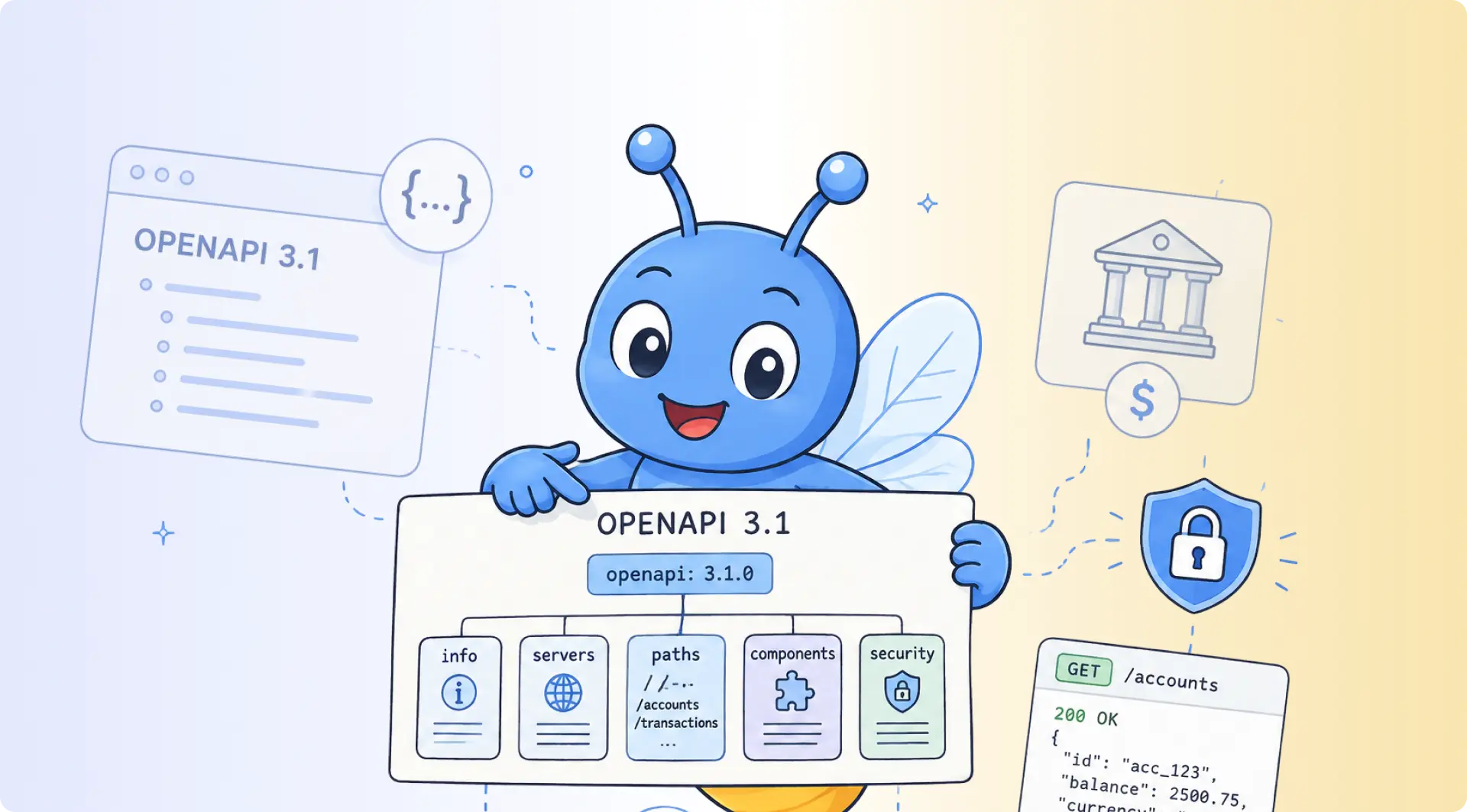
API documentation specifically. If you're documenting APIs, the workflow gets more complex. You need to keep OpenAPI specs, code samples, and guides in sync with the actual API behavior. This is where specialized tools add value. Docuwiz, for example, imports OpenAPI specs directly, runs API validation to flag inconsistencies, and provides a structured editor that non-developers can use, all while maintaining Git as the source of truth.
---
How does Docuwiz support docs-as-code?
Docuwiz is built specifically for teams that want the rigor of docs-as-code without the overhead of maintaining a custom build pipeline. It's a "Docs-as-Code+" platform: Git-native at its core, but with tooling that makes the workflow accessible to every role involved in the documentation process, not just engineers.
Git sync as the foundation. Docuwiz connects directly to GitHub, GitLab, or Bitbucket. Documentation lives in your repository, and changes sync bidirectionally: edit in Docuwiz's visual editor, and it commits to your repo, or push Markdown changes from your local machine, and they appear in your documentation portal. Git stays the single source of truth.
OpenAPI import and validation. For API documentation, Docuwiz imports OpenAPI specs directly and runs automated validation to flag missing parameters, vague descriptions, and broken flows. Instead of discovering inconsistencies when a developer files a support ticket, you catch them at import time.
A structured editor for every contributor. Developers can push Markdown through their normal Git workflow. Technical writers get a WYSIWYG editor purpose-built for API content with templates, smart sectioning, and AI-powered suggestions for missing context. Product managers get a unified dashboard with role-based access controls. Everyone works in the same system without everyone needing to know Git.
Versioning and diff review. Docuwiz versions documentation alongside your codebase. Every change has a diff view, so reviewers can see exactly what changed before approving. This replaces the "five versions of final" problem with a single, auditable history.
Automated publishing with CI/CD. When documentation changes merge, Docuwiz builds and publishes automatically. No manual deploy steps, no waiting for someone to click "publish."
Custom branding and domains. Published docs use your brand: custom themes, layouts, logos, and domains. The output looks like your product's documentation rather than a generic template.
The key difference from rolling your own stack is that Docuwiz removes the maintenance overhead. No static site generator to configure, no CI pipeline to debug, no hosting to manage. The docs-as-code workflow is intact; the infrastructure overhead is gone.
Frequently Asked Questions
Is docs-as-code suitable for non-technical writers?
Yes, with the right setup. Writers don't need to become Git experts. Tools like Docuwiz, GitBook, and CloudCannon provide browser-based editors that abstract Git operations behind a visual interface. The writer edits through a familiar UI; the tool handles commits, branches, and PRs behind the scenes.
What are the minimum tools needed to get started?
A Git repository (GitHub, GitLab, or Bitbucket), a text editor (VS Code is the standard), Markdown files, and a static site generator. That's four tools. CI/CD automation and linting can come later.
How do you handle reviews and approvals in a docs-as-code workflow?
Through pull requests. The author creates a branch, makes changes, opens a PR, and assigns reviewers. Reviewers comment inline, request changes, and approve when satisfied. Branch protection rules enforce required approvals before merging.
Can docs-as-code work for non-API documentation?
Absolutely. User guides, tutorials, onboarding materials, and internal runbooks all work well in a docs-as-code workflow. The methodology isn't limited to API docs; it applies anywhere documentation accuracy matters and multiple people contribute.
What are the biggest challenges teams face when adopting docs-as-code?
The learning curve for non-developers, maintaining the build pipeline, managing merge conflicts, and establishing clear ownership. The State of Docs 2026 report found that 30% of teams cite keeping docs in sync as their top challenge, even with docs-as-code in place.
How does docs-as-code integrate with AI-powered documentation?
AI-powered search now accounts for 35% of documentation discovery, according to the State of Docs 2026 report. Docs-as-code content stored in structured Markdown is inherently more AI-friendly than content locked in proprietary CMS databases. Self-contained pages with clear headings, structured metadata, and consistent formatting help AI systems retrieve and synthesize information accurately.
Written by
Team Docuwiz
Documentation Experts
The Docuwiz team helps developer-focused companies build documentation their users actually love — from API references to onboarding guides and everything in between.